Day Calculator is a modern iOS date utility designed to make calendar information instantly useful. Whether you want to understand today at a glance, inspect any date in the future, measure the exact distance between two dates, or manage countdown reminders for important events, Day Calculator gives you a fast, beautiful, and highly customizable experience. With widgets, badges, themes, custom icons, and flexible settings, it adapts to how you track time.
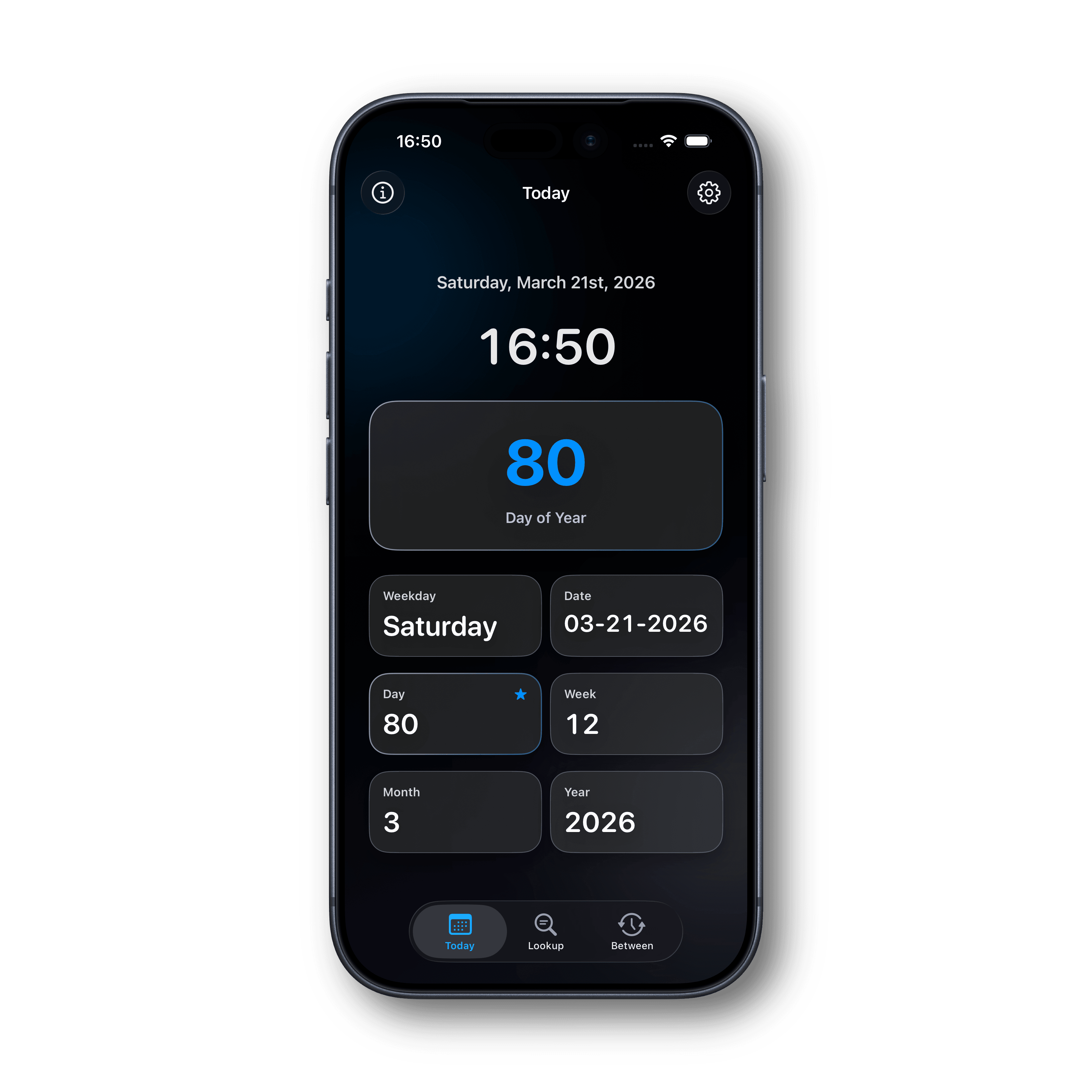
The Today tab gives you a live snapshot of the current date in multiple useful formats, including day of year, week of year, month, year, weekday, and full date context. It is designed for quick daily reference with large, readable metrics, and configurable layout options so your most important time value is always front and center.
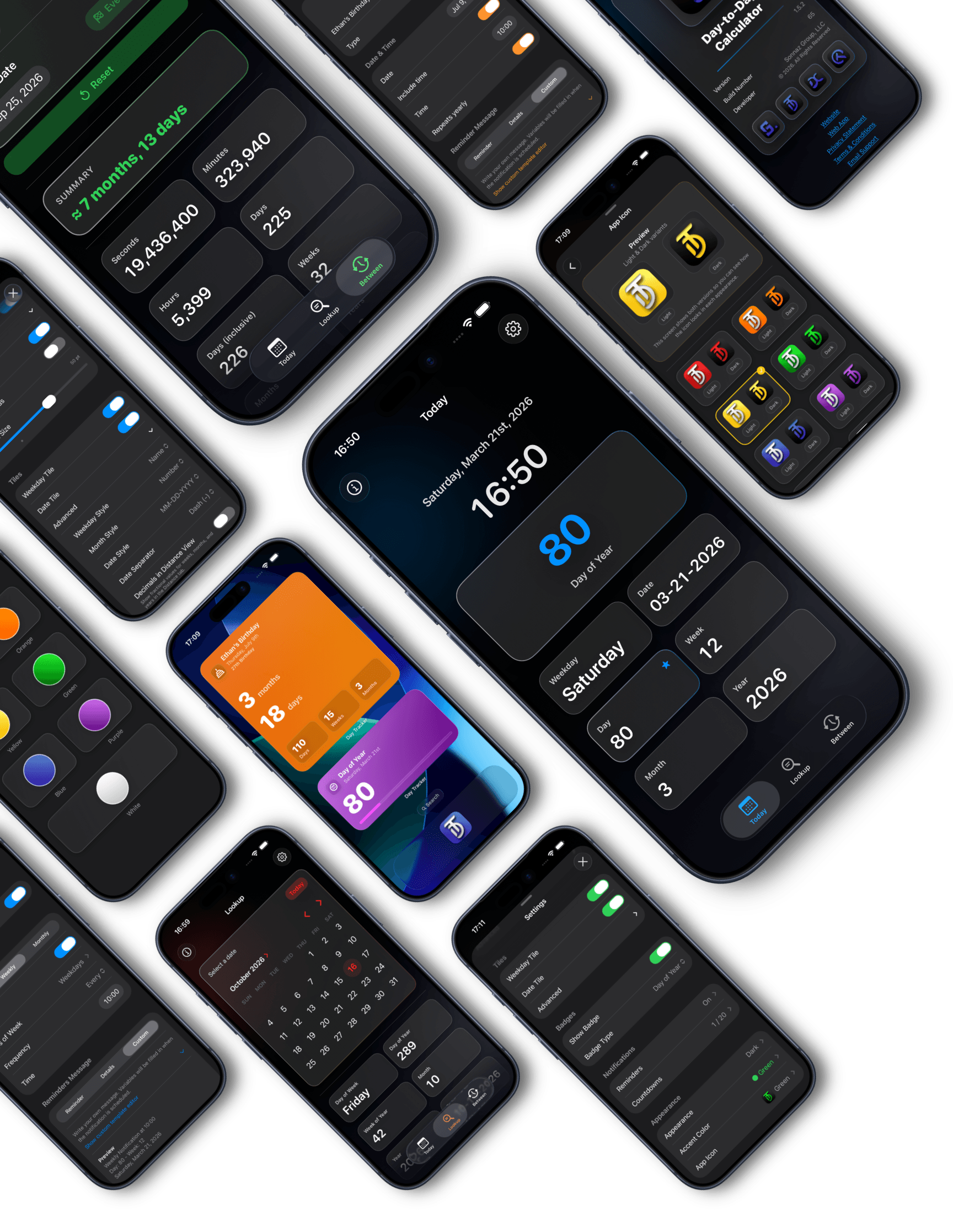
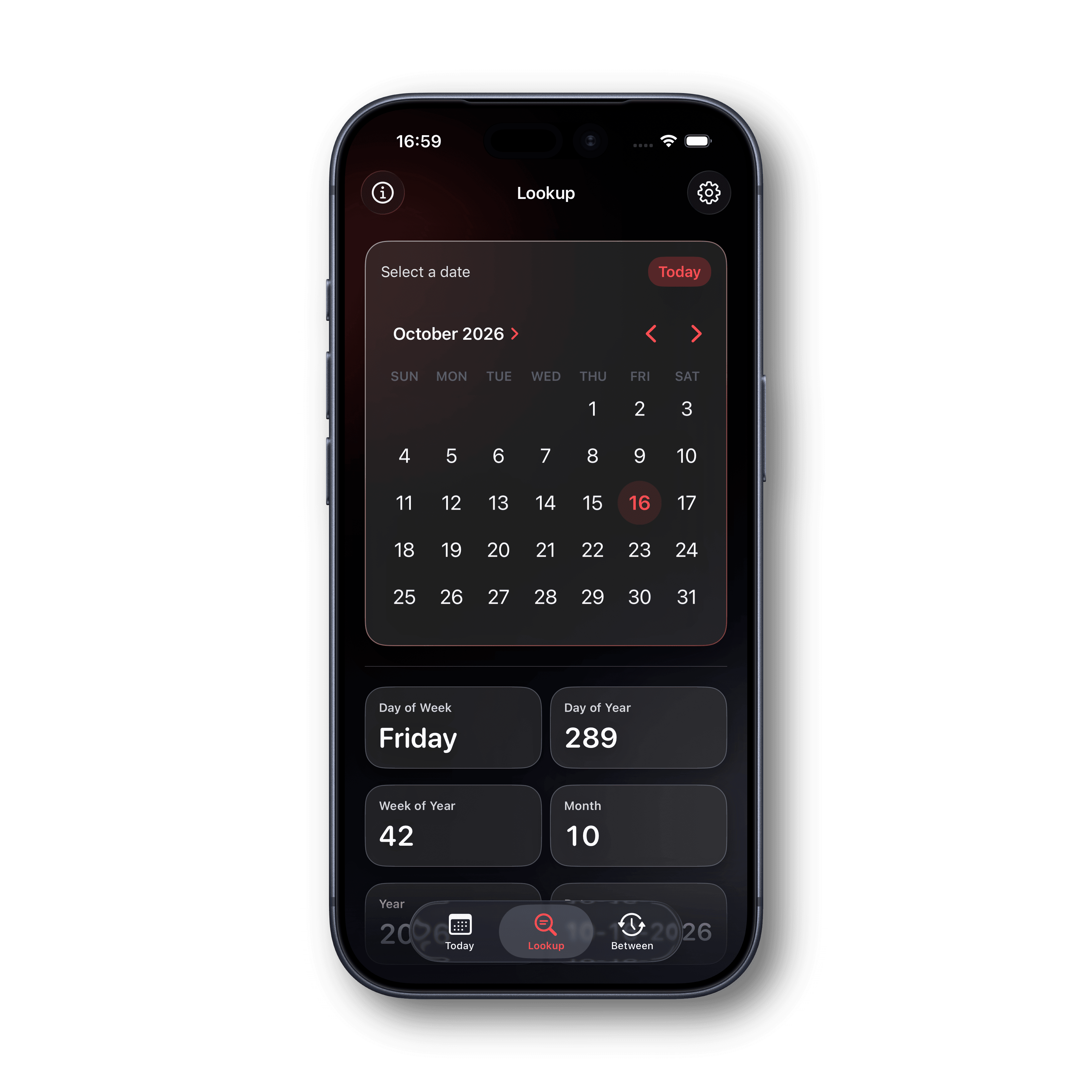
The Lookup tab lets you select any date (past, present, or future) and instantly view key calendar metrics for that day. It's ideal for planning trips, events, deadlines, anniversaries, or checking historical dates. Outputs are easy to read and copy, making it simple to reuse date information wherever you need it.
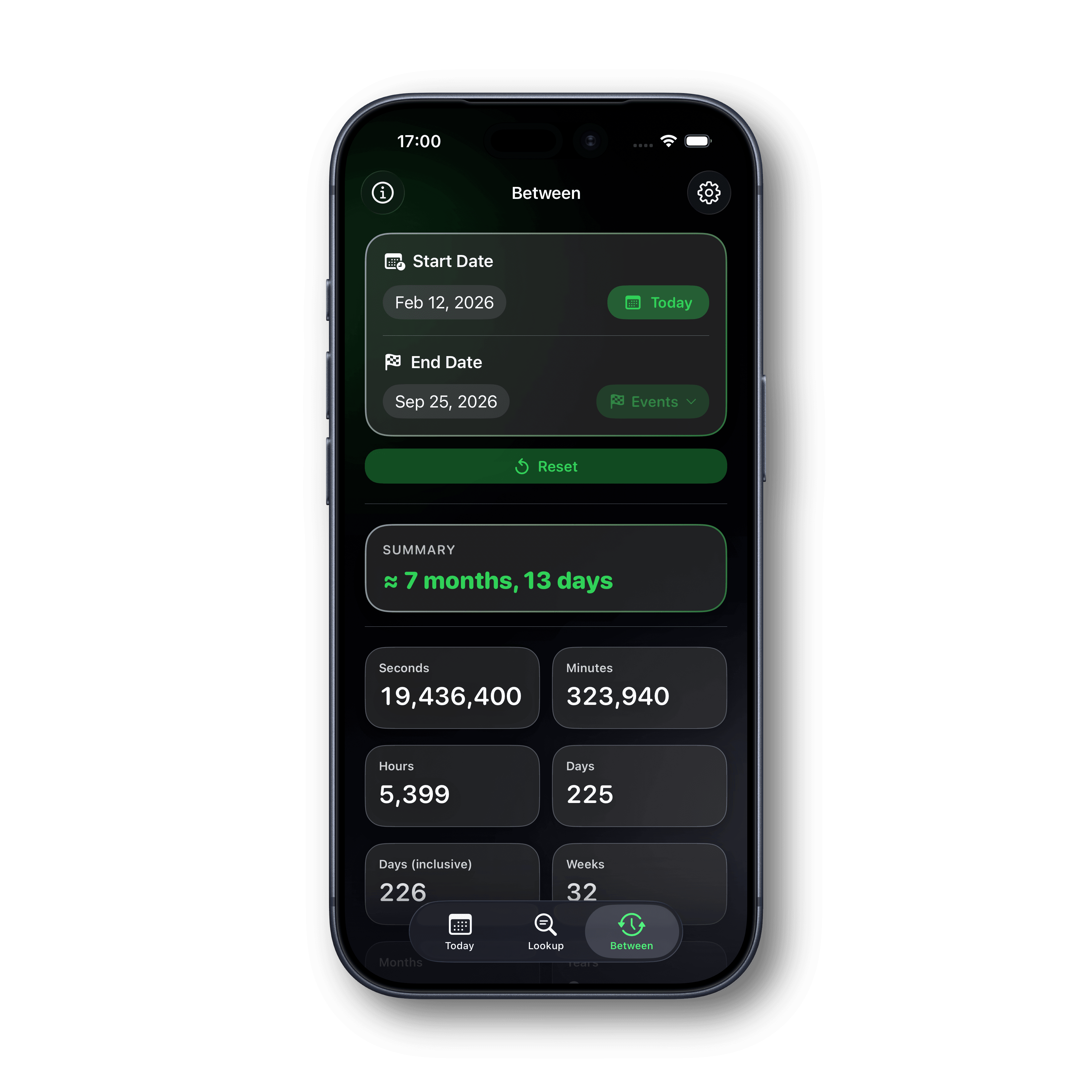
The Between tab calculates the distance between two dates with detailed precision across multiple units, including seconds, minutes, hours, days, weeks, months, and years. This is perfect for countdown planning, project timelines, age or milestone tracking, and understanding time spans in the format that matters most to you.
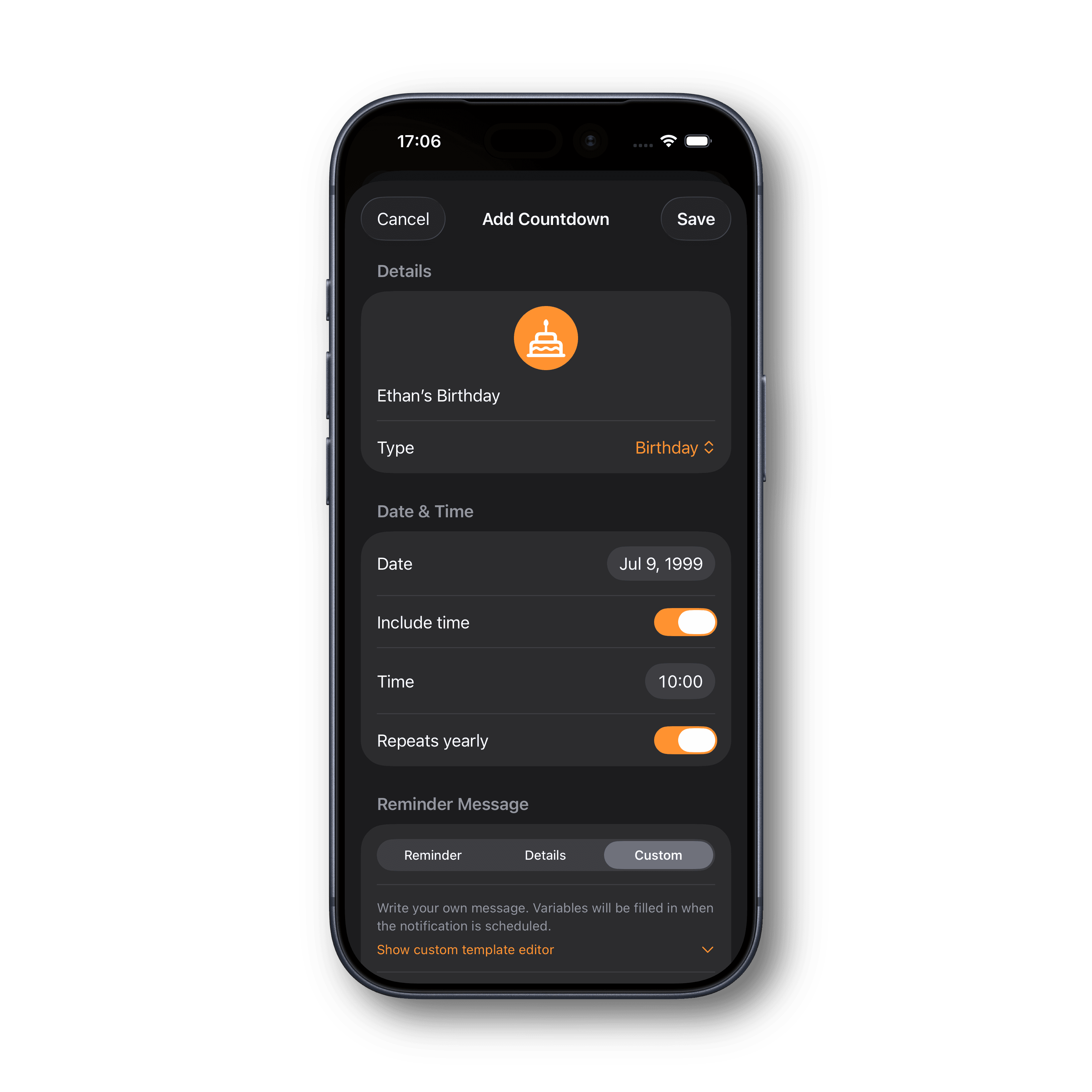
Custom Countdowns let you create personal event trackers for birthdays, anniversaries, holidays, appointments, travel, and more. Each countdown supports categories, custom icons, icon colors, notes, favorites, yearly repeating events, and active/inactive states. It's a flexible system for keeping your most important dates organized in one place.
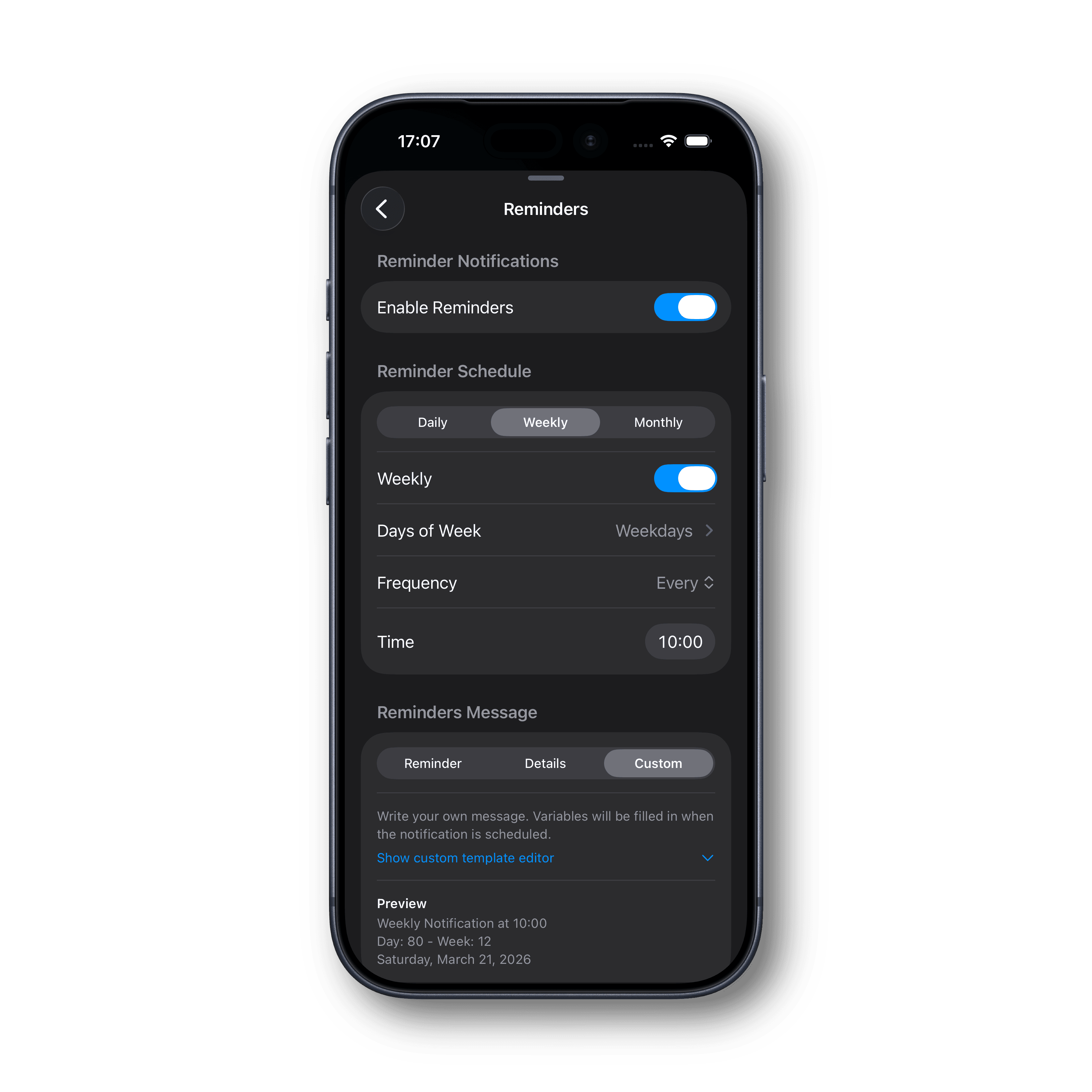
Day Calculator includes robust reminder scheduling so you can stay on top of important dates automatically. Configure daily, weekly, and monthly reminder schedules with custom timing and selection options. You can also personalize reminder content using built-in styles and custom templates, so notifications are as simple or detailed as you want.
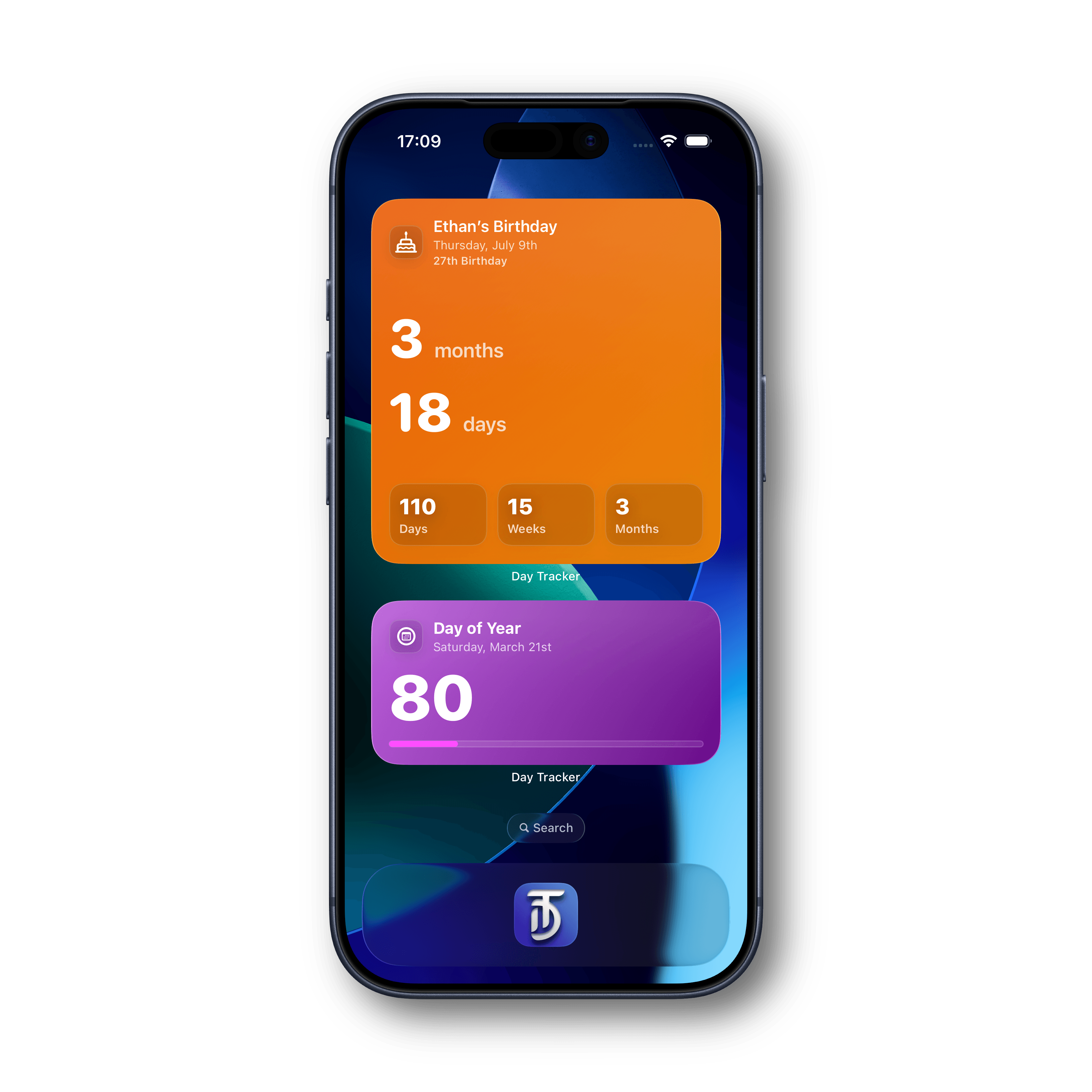
Day Calculator includes a full set of widgets for quick date and countdown visibility without opening the app. Add metric widgets, countdown widgets, and upcoming countdown views to your Home Screen and Lock Screen to keep key information visible all day with glanceable, theme-aware designs.
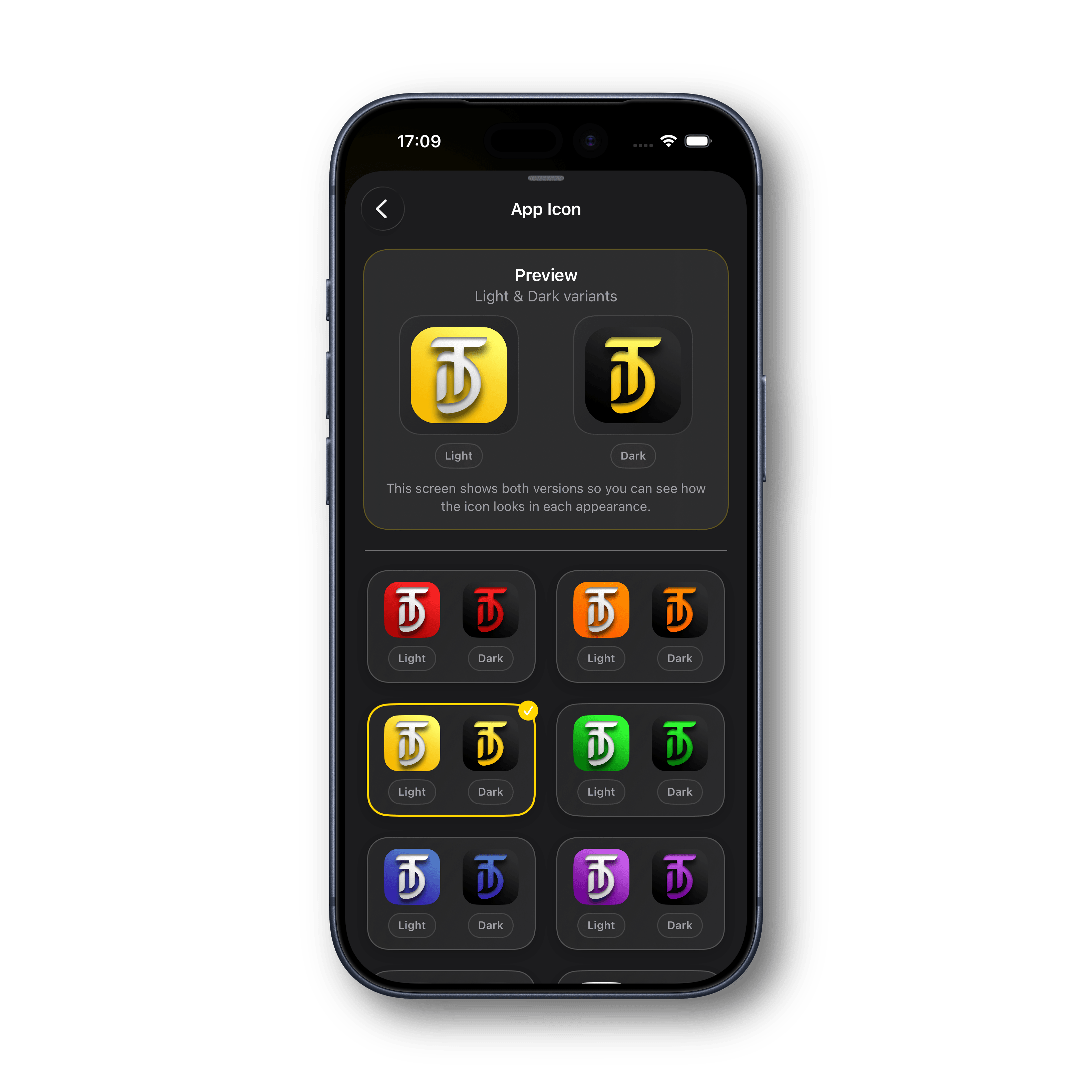
Choose from multiple alternate app icons to match your style. Day Calculator supports icon color variants and appearance-aware previews so you can quickly find the look that fits your Home Screen setup in both Light and Dark mode.
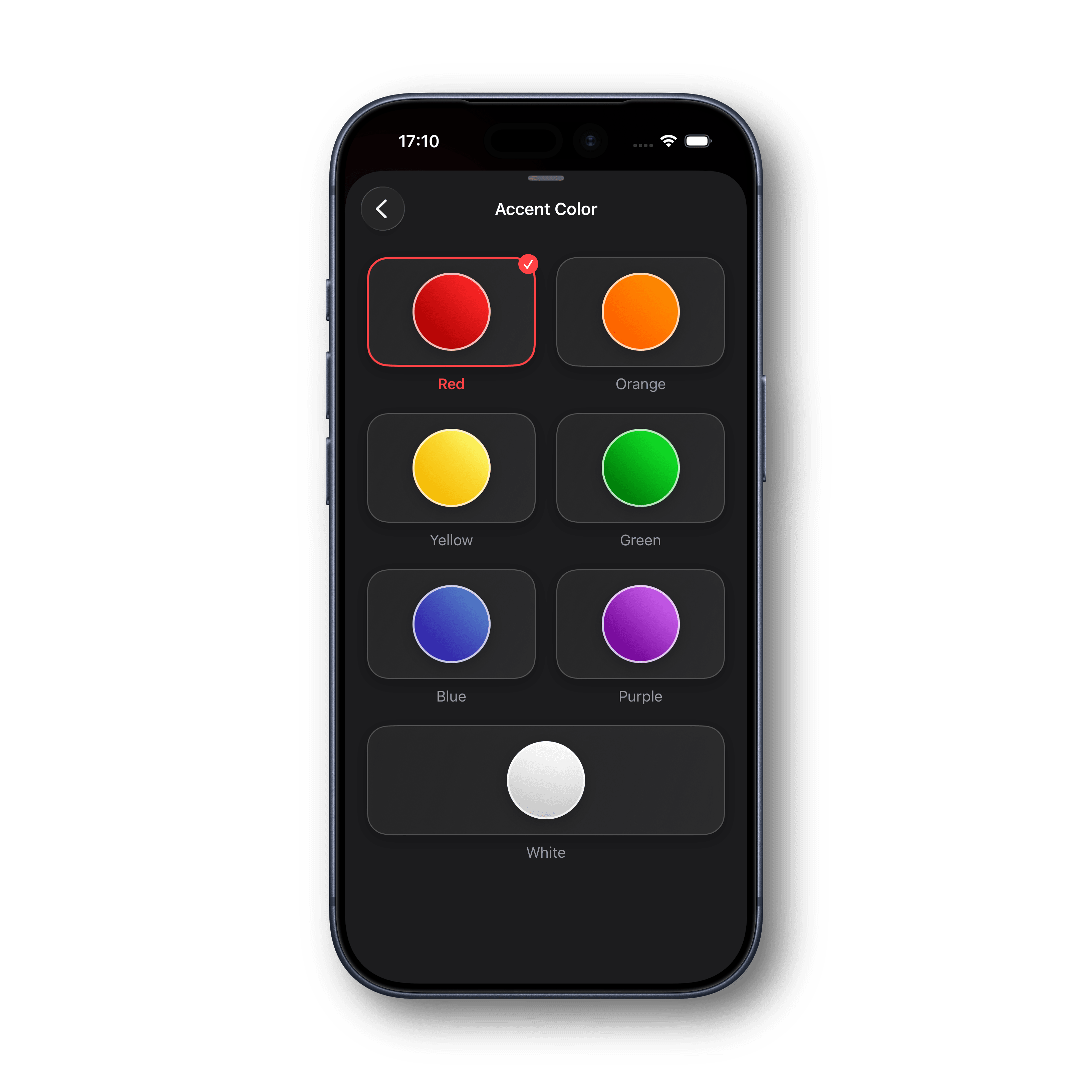
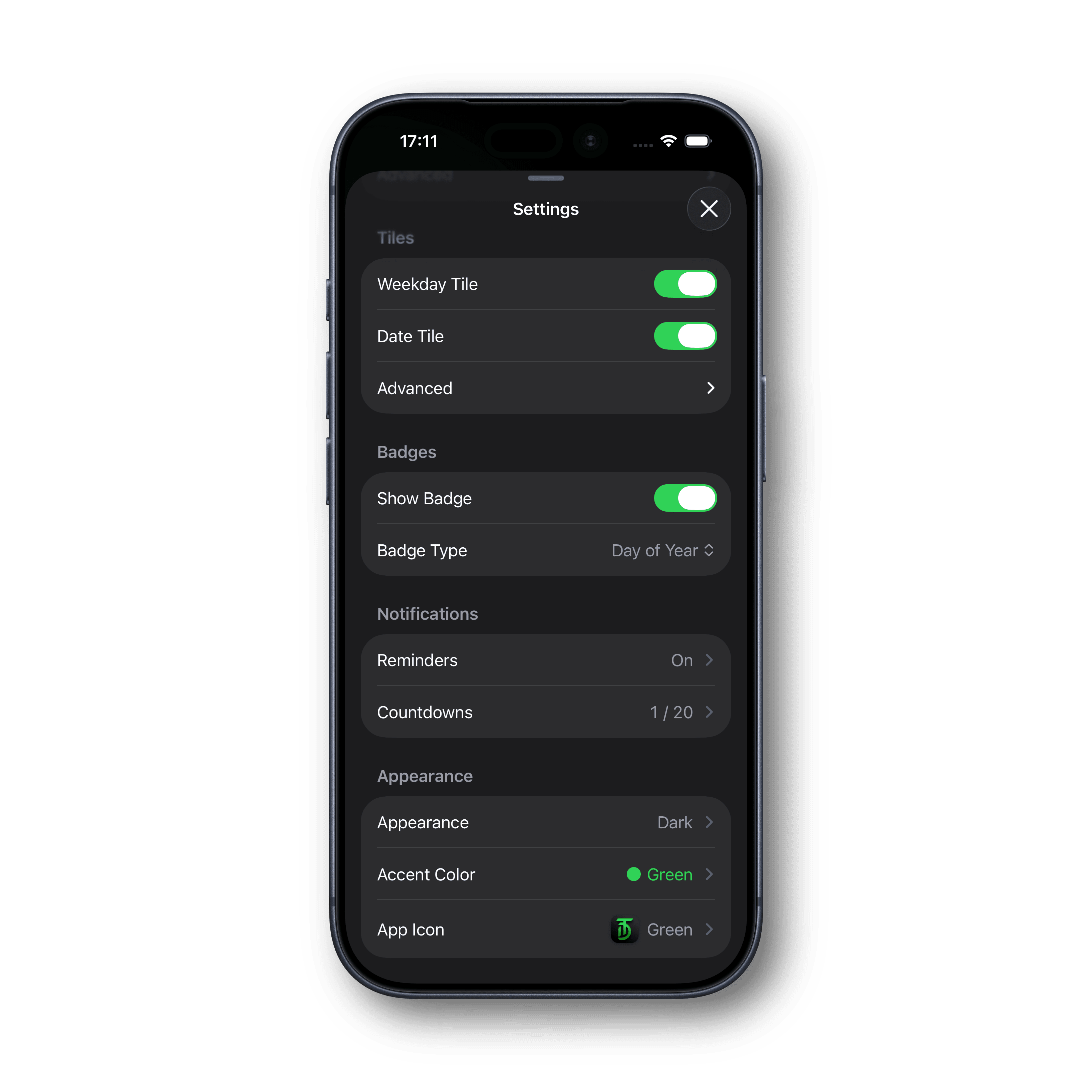
Day Calculator supports global theme customization with multiple accent colors and appearance modes (System, Light, Dark). The app's visual style is designed with a modern, glass-inspired iOS look, while still giving you control over color personality and contrast preferences.
Enable app icon badges to display date-related values like day, week, month, or year at a glance. This adds a quick ambient reference directly on your Home Screen and is especially useful for users who like passive, always-visible date context.
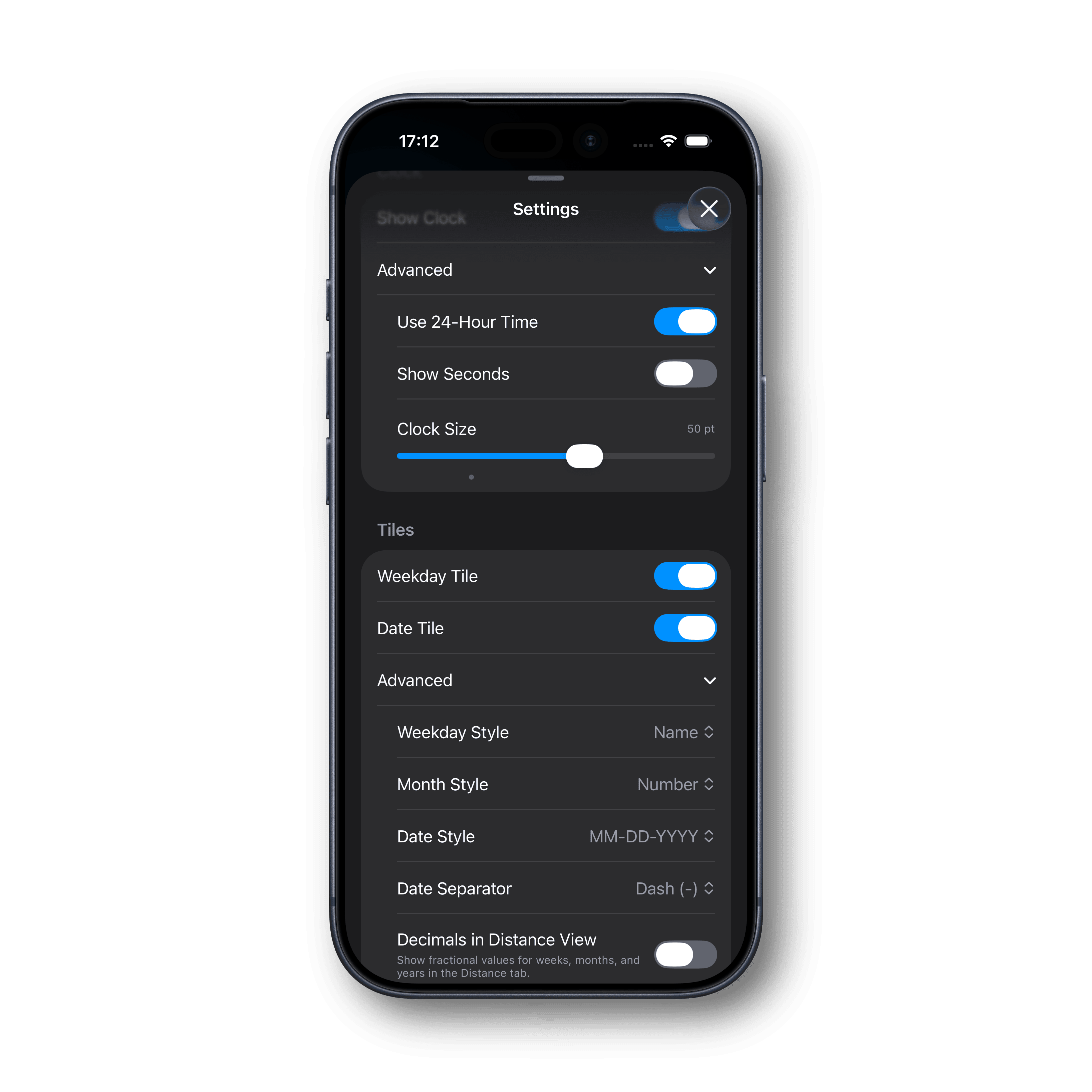
The settings experience is comprehensive, letting you adjust startup behavior, tab navigation, metric formatting, date style and separators, clock format (12/24 hour), decimal precision controls, and more. These options make Day Calculator suitable for both casual use and detail-heavy workflows.
**Apple, the Apple logo, and App Store are trademarks of Apple Inc., registered in the U.S. and other countries. The use of this badge is for informational purposes only and does not imply any affiliation or endorsement by Apple Inc.